
ATS-Optimized for US Market

Entry-Level Retail UX Designer Career & Resume Guide

As an Entry-Level Retail UX Designer, your resume is your first impression. Hiring managers in the retail sector seek candidates who understand user-centered design principles and can apply them to enhance the customer shopping experience, both online and in physical stores. Your resume should immediately showcase your understanding of the retail landscape and how UX design contributes to increased sales, customer satisfaction, and brand loyalty. Key sections include a concise summary highlighting your skills and career goals, a detailed skills section showcasing proficiency in tools like Figma, Sketch, Adobe XD, and user research methodologies, and project descriptions emphasizing your contributions and impact. Quantify your achievements whenever possible using metrics like improved conversion rates or increased customer engagement. A portfolio link is crucial; ensure it showcases retail-specific projects or mockups. Frame your experience to demonstrate adaptability and teamwork, as retail UX often involves collaborating with marketers, developers, and store managers. The ATS and human reviewers will be scrutinizing your understanding of retail-specific design challenges like mobile commerce optimization, in-store digital experiences (e.g., kiosk design), and omnichannel integration. Make sure to highlight any experience with A/B testing, usability testing, and data analysis using tools like Google Analytics to inform design decisions. Leadership experience, even in non-UX roles, demonstrates your ability to take initiative and influence outcomes. Be clear, concise, and results-oriented to stand out.
Average US Salary: $40k - $70k

Expert Tip: For Entry-Level Retail UX Designer positions in the US, recruiters increasingly look for technical execution and adaptability over simple job duties. This guide is tailored to highlight these specific traits to ensure your resume stands out in the competitive Entry-Level Retail UX Designer sector.

What US Hiring Managers Look For in a Entry-Level Retail UX Designer Resume

When reviewing Entry-Level Retail UX Designer candidates, recruiters and hiring managers in the US focus on a few critical areas. Making these elements clear and easy to find on your resume will improve your chances of moving to the interview stage.

  • Relevant experience and impact in Entry-Level Retail UX Designer or closely related roles.
  • Clear, measurable achievements (metrics, scope, outcomes) rather than duties.
  • Skills and keywords that match the job description and ATS requirements.
  • Professional formatting and no spelling or grammar errors.
  • Consistency between your resume, LinkedIn, and application.
  • Proficiency in key areas such as Communication, Time Management, Industry-Standard Tools.

Essential Skills for Entry-Level Retail UX Designer

Include these keywords in your resume to pass ATS screening and impress recruiters.

Must-Have Skills

  • CriticalCommunication
  • HighTime Management

Technical Skills

  • HighIndustry-Standard Tools
  • MediumData Analysis

Soft Skills

  • CriticalTeamwork
  • HighAdaptability
  • MediumLeadership

A Day in the Life

A Day in the Life of a Entry-Level UX Designer

Your morning starts at 9 AM by checking emails and reviewing yesterday's tasks. As an Entry-Level UX Designer in Retail, you spend the first hour in daily stand-ups, syncing with your team on handling core responsibilities, collaborating with cross-functional teams, and driving project success. From 10 AM to 1 PM, you focus on execution. In Retail, this involves learning standard operating procedures and applying your UX Designer skills to real-world problems. Post-lunch (1-5 PM) is for deep work and collaboration. You might attend workshops or pair with senior members to understand the nuances of handling core responsibilities, collaborating with cross-functional teams, and driving project success within the company. Wrap up by 5:30 PM, documenting your progress. Retail professionals at this level prioritize learning and consistency to build a strong career foundation.

Career Progression Path

Level 1

UX Designer I (Entry Level)

Level 2

UX Designer II (Junior)

Level 3

Senior UX Designer

Level 4

Lead UX Designer

Level 5

UX Designer Manager / Director

Interview Questions & Answers

Prepare for your Entry-Level Retail UX Designer interview with these commonly asked questions.

Describe a time you had to simplify a complex user flow for a retail application.

Medium
Behavioral
Sample Answer
In a project involving a mobile shopping app, I noticed users were abandoning their carts during the checkout process. After conducting usability testing, I identified several confusing steps. I simplified the flow by reducing the number of required fields, implementing guest checkout, and providing clear error messages. This resulted in a 15% increase in completed purchases.

How would you approach improving the UX of an in-store kiosk for a clothing retailer?

Medium
Situational
Sample Answer
I'd begin by observing how customers currently interact with the kiosk and identifying pain points. Then, I'd conduct user interviews to understand their needs and expectations. Based on this research, I'd design a user-friendly interface with clear navigation, intuitive search functionality, and prominent calls to action. I’d iterate based on feedback from usability testing, focusing on metrics like task completion time and user satisfaction.

What are your favorite examples of good and bad UX in the retail space, and why?

Easy
Technical
Sample Answer
I admire Amazon's one-click ordering and personalized recommendations. It's incredibly efficient and tailored to individual preferences. Conversely, I find many retail websites have cluttered product pages with too much information and confusing navigation, leading to a frustrating user experience. Clear product photography, concise descriptions, and easy-to-find filters are key for a better experience.

Explain your experience with A/B testing and how you've used it to improve a retail UX design.

Medium
Technical
Sample Answer
I used A/B testing to optimize the placement of a call-to-action button on a product page. Version A had the button below the product description, while Version B had it above. After running the test for two weeks, Version B showed a 10% increase in click-through rates. This data-driven approach allowed us to improve the conversion rate without relying solely on intuition.

How do you stay up-to-date with the latest UX trends and technologies in the retail industry?

Easy
Behavioral
Sample Answer
I regularly read industry blogs and publications like UX Magazine and Baymard Institute. I also follow UX influencers on social media and attend online and in-person conferences. I experiment with new tools and techniques in personal projects to stay ahead of the curve. I'm particularly interested in the rise of AR/VR in retail and its potential to enhance the shopping experience.

Describe a time you had to advocate for the user experience in a retail project where stakeholders had conflicting priorities.

Hard
Situational
Sample Answer
In a project redesigning a retailer's mobile app, marketing wanted to prioritize promotional banners above all else. I argued that prioritizing user needs and creating a seamless experience would ultimately drive higher engagement and sales. I presented user research data demonstrating that users were frustrated by the intrusive banners. We reached a compromise by integrating the banners more subtly and ensuring they didn't disrupt the core functionality, resulting in both increased sales and improved user satisfaction.

ATS Optimization Tips

Make sure your resume passes Applicant Tracking Systems used by US employers.

Incorporate keywords like 'mobile UX', 'omnichannel experience', 'e-commerce design', 'user research', and 'usability testing' naturally throughout your resume.
Use standard section headings like 'Experience', 'Skills', 'Education', and 'Projects' for clear parsing by ATS systems.
Quantify your achievements whenever possible, using metrics like 'increased conversion rates by X%' or 'improved user satisfaction scores by Y%'.
Submit your resume in PDF format to preserve formatting while ensuring ATS compatibility; avoid complex tables or graphics.
Tailor your resume to each job description, highlighting the skills and experiences most relevant to the specific retail UX role.
Use action verbs to describe your responsibilities and accomplishments, such as 'designed', 'researched', 'analyzed', and 'implemented'.
In your skills section, list both hard skills (e.g., Figma, Sketch, Adobe XD) and soft skills (e.g., communication, teamwork, problem-solving).
Ensure your contact information is clearly visible and accurate, including your phone number, email address, and LinkedIn profile URL.

Common Resume Mistakes to Avoid

Don't make these errors that get resumes rejected.

1
Failing to include a portfolio link; retail UX hiring managers want to see your work.
2
Not showcasing retail-specific projects or mockups; generic UX examples don't demonstrate your understanding of the industry.
3
Using overly technical jargon without explaining its impact on the user experience or business outcomes.
4
Neglecting to quantify your achievements; provide concrete metrics to demonstrate your impact.
5
Not tailoring your resume to the specific job description; highlight the skills and experiences most relevant to the role.
6
Focusing solely on aesthetics without demonstrating an understanding of user needs and business goals.
7
Ignoring mobile UX best practices; mobile commerce is a critical component of retail UX.
8
Overlooking in-store digital experiences; consider designing for kiosks, interactive displays, or mobile apps used in physical stores.

Industry Outlook

The US Retail sector is experiencing steady growth. Entry-Level UX Designers are particularly sought after, with the Bureau of Labor Statistics projecting average job growth through 2030. Peak hiring occurs in Q1 (January-March) and Q3 (August-September).

Top Hiring Companies

Industry LeadersRegional FirmsFast-Growing Companies

Recommended Resume Templates

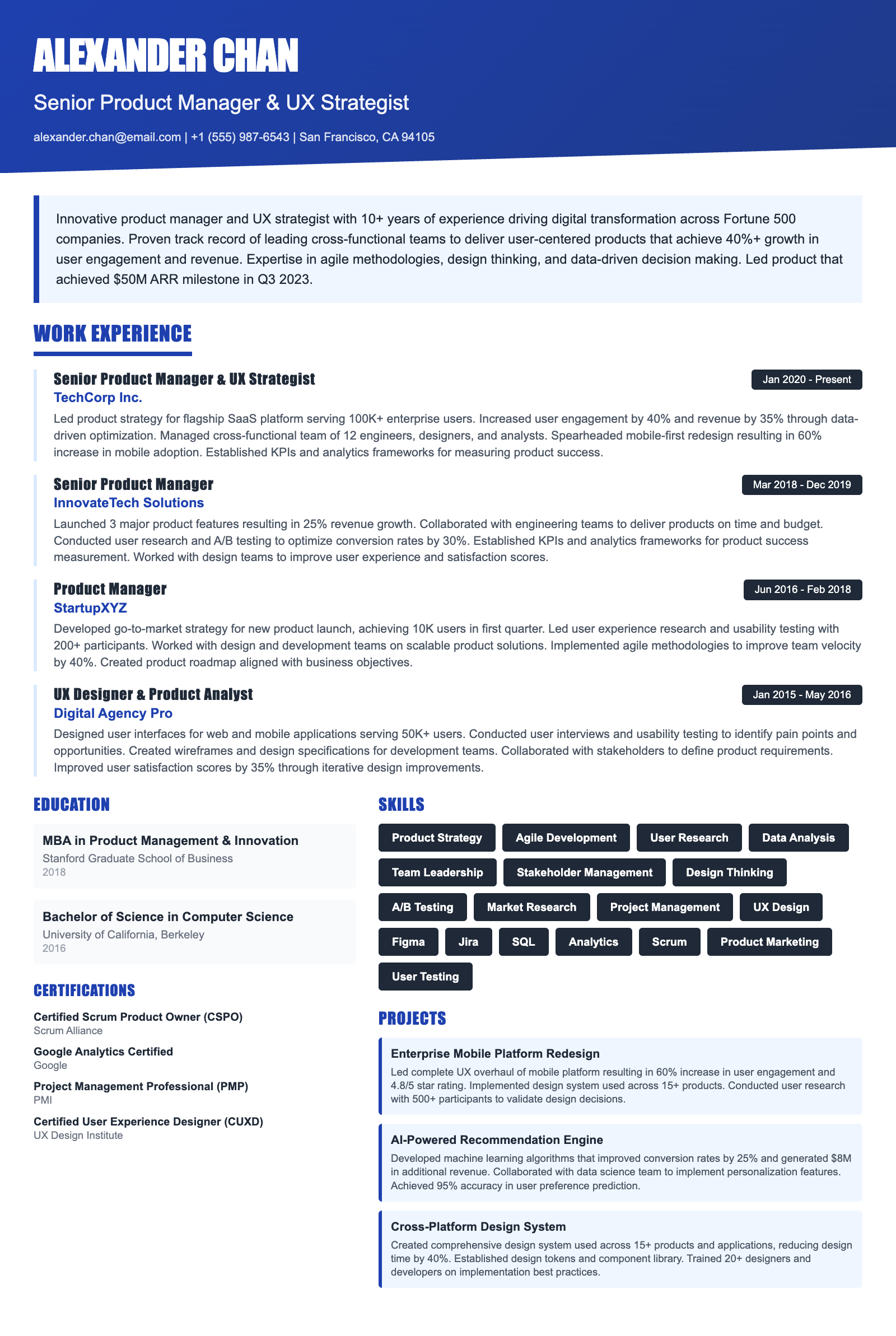
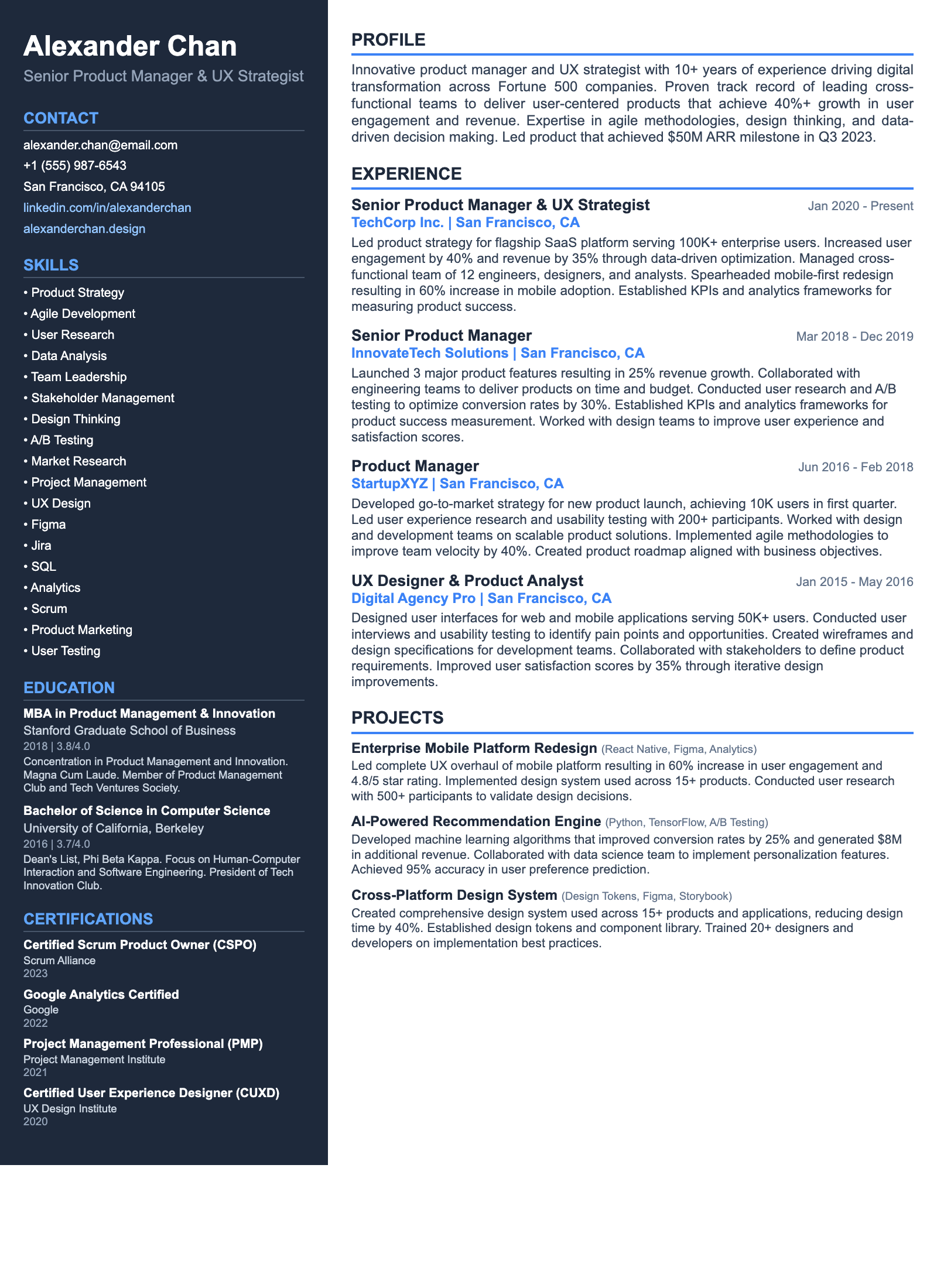
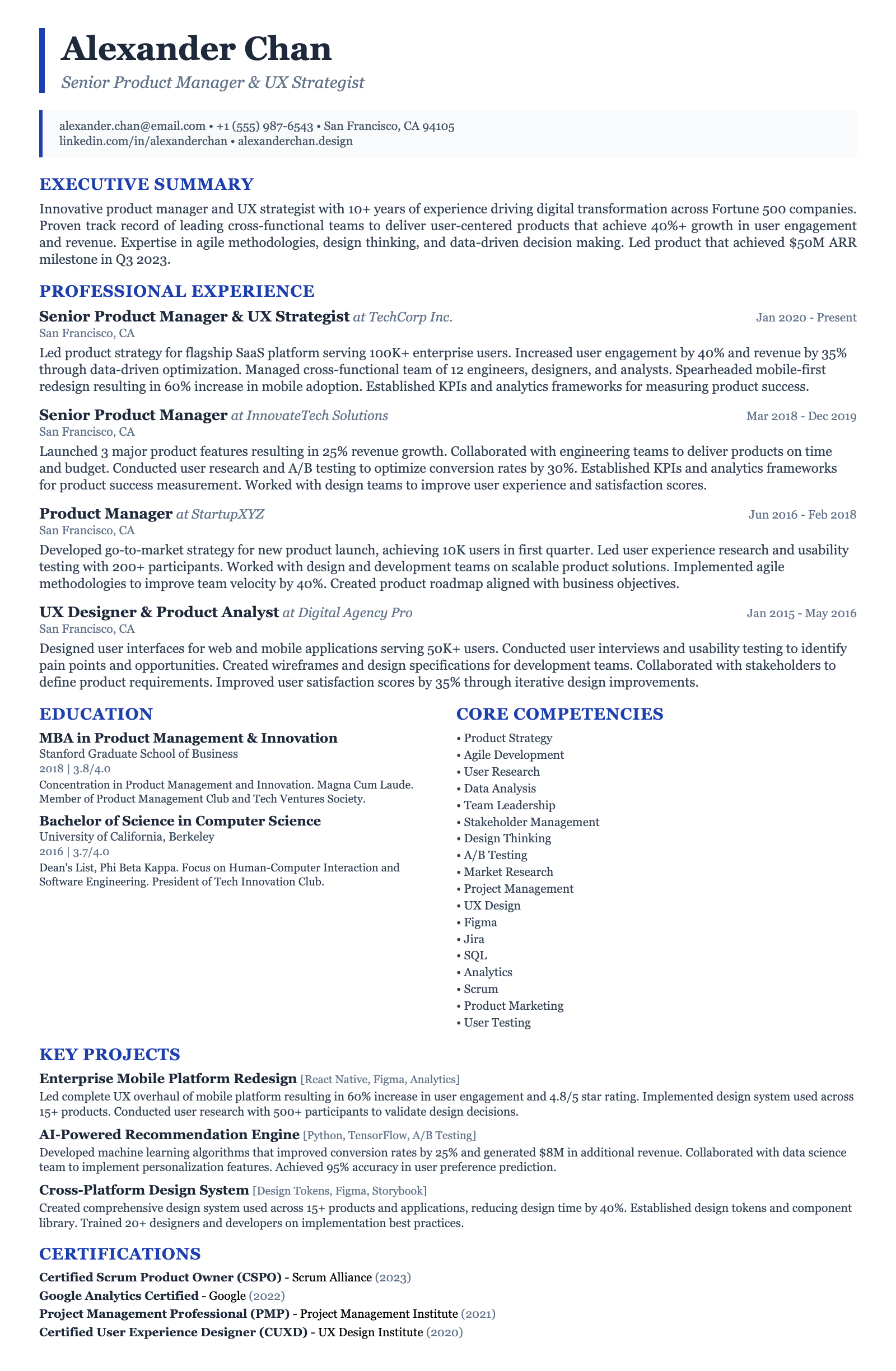
ATS-friendly templates designed specifically for Entry-Level Retail UX Designer positions in the US market.
Frequently Asked Questions

How long should my Entry-Level Retail UX Designer resume be?

As an entry-level candidate, aim for a one-page resume. Focus on the most relevant experiences and skills. Prioritize projects that demonstrate your understanding of retail-specific UX challenges and solutions, like improving mobile checkout flows or designing intuitive in-store kiosk interfaces. Use concise language and quantify achievements whenever possible.

What are the most important skills to highlight?

Prioritize skills directly relevant to retail UX design. These include proficiency in design tools like Figma, Sketch, and Adobe XD; user research methods like usability testing and A/B testing; data analysis using Google Analytics; and knowledge of retail-specific UX best practices, such as optimizing mobile commerce experiences and designing user-friendly in-store digital interfaces. Communication and teamwork are also essential.

How can I optimize my resume for Applicant Tracking Systems (ATS)?

Use a clean, ATS-friendly format with clear headings and bullet points. Avoid tables, graphics, and unusual fonts. Incorporate relevant keywords from the job description, such as 'mobile commerce,' 'omnichannel,' 'user research,' and 'A/B testing.' Submit your resume as a PDF to preserve formatting while remaining readable by most ATS. Tools like Jobscan can help identify missing keywords.

Are certifications valuable for an Entry-Level Retail UX Designer?

While not always required, certifications can demonstrate your commitment to professional development. Consider certifications related to UX design principles, usability testing, or specific design tools like Figma or Adobe XD. Retail-specific certifications are rare, but any that highlight your understanding of e-commerce or omnichannel experiences would be particularly valuable.

What are common resume mistakes to avoid?

Avoid generic resumes that don't highlight your retail UX skills. Don't neglect to include a portfolio link. Ensure your portfolio showcases retail-specific projects or mockups. Don't use overly technical jargon without explaining its impact. Avoid lengthy, irrelevant descriptions. Don't forget to quantify your achievements and demonstrate how your work improved the user experience and business outcomes.

How can I transition into Retail UX Design from a different field?

Highlight transferable skills such as user research, data analysis, or design thinking. Create retail-specific UX projects or mockups to demonstrate your understanding of the industry. Take online courses or workshops to gain relevant skills and knowledge. Network with retail UX professionals and attend industry events. Tailor your resume and cover letter to emphasize your passion for retail and your ability to solve retail-specific UX challenges using your existing skillset and new learnings.

Ready to Build Your Entry-Level Retail UX Designer Resume?

Use our AI-powered resume builder to create an ATS-optimized resume tailored for Entry-Level Retail UX Designer positions in the US market.

Complete Entry-Level Retail UX Designer Career Toolkit

Everything you need for your Entry-Level Retail UX Designer job search — all in one platform.

Why choose ResumeGyani over Zety or Resume.io?

The only platform with AI mock interviews + resume builder + job search + career coaching — all in one.

See comparison

Last updated: March 2026 · Content reviewed by certified resume writers · Optimized for US job market

Entry-Level Retail UX Designer Resume Guide (2026) | ATS-Optimized Template