
ATS-Optimized for US Market

Junior Education Web Developer Career & Resume Guide

As a Junior Education Web Developer, your resume needs to showcase your technical proficiency and passion for creating engaging and effective learning experiences. Hiring managers in the education technology sector seek candidates with a solid foundation in front-end and back-end development, coupled with strong communication and collaboration skills. Your resume should clearly highlight your experience with relevant technologies like HTML, CSS, JavaScript (including frameworks like React or Angular), and back-end languages such as Python or Node.js. Include specific projects where you've contributed to educational platforms, online courses, or interactive learning tools. Quantify your achievements whenever possible, such as the number of users impacted or the improvement in user engagement. Key sections to emphasize are your technical skills, project portfolio, and education. Highlight any experience with learning management systems (LMS) like Canvas or Blackboard. To stand out, demonstrate your understanding of accessibility standards (WCAG) and your commitment to creating inclusive and user-friendly educational resources. Showcase your problem-solving abilities by describing how you tackled technical challenges in previous projects. Tailor your resume to each specific job description, emphasizing the skills and experiences that align most closely with the employer's needs. Finally, proofread carefully to ensure your resume is free of errors and presents a polished, professional image.
Average US Salary: $50k - $85k

Expert Tip: For Junior Education Web Developer positions in the US, recruiters increasingly look for technical execution and adaptability over simple job duties. This guide is tailored to highlight these specific traits to ensure your resume stands out in the competitive Junior Education Web Developer sector.

What US Hiring Managers Look For in a Junior Education Web Developer Resume

When reviewing Junior Education Web Developer candidates, recruiters and hiring managers in the US focus on a few critical areas. Making these elements clear and easy to find on your resume will improve your chances of moving to the interview stage.

  • Relevant experience and impact in Junior Education Web Developer or closely related roles.
  • Clear, measurable achievements (metrics, scope, outcomes) rather than duties.
  • Skills and keywords that match the job description and ATS requirements.
  • Professional formatting and no spelling or grammar errors.
  • Consistency between your resume, LinkedIn, and application.
  • Proficiency in key areas such as Communication, Time Management, Industry-Standard Tools.

Essential Skills for Junior Education Web Developer

Include these keywords in your resume to pass ATS screening and impress recruiters.

Must-Have Skills

  • CriticalCommunication
  • HighTime Management

Technical Skills

  • HighIndustry-Standard Tools
  • MediumData Analysis

Soft Skills

  • CriticalTeamwork
  • HighAdaptability
  • MediumLeadership

A Day in the Life

A Day in the Life of a Junior Web Developer

Your morning starts at 9 AM by checking emails and reviewing yesterday's tasks. As an Junior Web Developer in Education, you spend the first hour in daily stand-ups, syncing with your team on handling core responsibilities, collaborating with cross-functional teams, and driving project success. From 10 AM to 1 PM, you focus on execution. In Education, this involves learning standard operating procedures and applying your Web Developer skills to real-world problems. Post-lunch (1-5 PM) is for deep work and collaboration. You might attend workshops or pair with senior members to understand the nuances of handling core responsibilities, collaborating with cross-functional teams, and driving project success within the company. Wrap up by 5:30 PM, documenting your progress. Education professionals at this level prioritize learning and consistency to build a strong career foundation.

Career Progression Path

Level 1

Web Developer I (Entry Level)

Level 2

Web Developer II (Junior)

Level 3

Senior Web Developer

Level 4

Lead Web Developer

Level 5

Web Developer Manager / Director

Interview Questions & Answers

Prepare for your Junior Education Web Developer interview with these commonly asked questions.

Describe a time you had to learn a new web development technology or framework quickly. How did you approach it?

Medium
Behavioral
Sample Answer
In my previous role, I needed to integrate a new JavaScript charting library into our educational dashboard. I started by reviewing the official documentation and online tutorials. I then created a small test project to experiment with the library's features and understand its API. I broke down the integration task into smaller, manageable steps and sought help from online communities and forums when needed. Within a week, I was able to successfully implement the charting library and integrate it into the dashboard, improving data visualization for our users.

Explain your experience with front-end performance optimization techniques. How would you approach optimizing a slow-loading educational web page?

Medium
Technical
Sample Answer
I would begin by analyzing the page's performance using tools like Google PageSpeed Insights or WebPageTest. I would identify bottlenecks such as large image files, unminified JavaScript or CSS, and excessive HTTP requests. I would then implement techniques such as image optimization (using tools like ImageOptim), code minification, browser caching, and lazy loading of non-critical resources. I would also consider using a content delivery network (CDN) to distribute static assets and reduce latency. After implementing these optimizations, I would retest the page's performance to verify the improvements.

Imagine you're tasked with developing an interactive quiz module for an online course. What technologies would you use, and why?

Medium
Situational
Sample Answer
I would likely use HTML, CSS, and JavaScript for the front-end development of the quiz module. For the JavaScript framework, I would consider React or Vue.js due to their component-based architecture and ease of use for creating dynamic user interfaces. For the back-end, I would use Node.js with Express or Python with Flask to handle the quiz logic, store quiz data, and manage user scores. I would also use a database like MongoDB or PostgreSQL to store user progress and quiz results. This stack allows for a scalable, maintainable, and interactive quiz experience.

Tell me about a time you had to work with a team to develop a web application. What was your role, and what challenges did you face?

Medium
Behavioral
Sample Answer
In my previous internship, I was part of a team developing a web-based learning platform for a local school. My role was primarily focused on front-end development using React. One of the challenges we faced was integrating our code with the back-end API developed by another team. We had communication issues initially, leading to some integration problems. To address this, I proactively scheduled regular meetings with the back-end team to discuss API specifications and clarify any ambiguities. This improved communication and allowed us to resolve the integration issues efficiently.

How familiar are you with accessibility standards like WCAG, and how would you ensure that a web application you're developing is accessible to users with disabilities?

Medium
Technical
Sample Answer
I am familiar with the Web Content Accessibility Guidelines (WCAG) and understand the importance of creating accessible web applications. To ensure accessibility, I would follow WCAG principles such as providing alternative text for images, using semantic HTML elements, ensuring sufficient color contrast, and making the application keyboard-navigable. I would also use accessibility testing tools like WAVE or Axe to identify and fix accessibility issues. I would also collaborate with accessibility experts to conduct user testing with individuals with disabilities to ensure the application meets their needs.

Describe a time you made a mistake on a web development project. How did you handle it, and what did you learn from the experience?

Medium
Behavioral
Sample Answer
Once, I accidentally introduced a bug into the production environment that caused a critical feature to malfunction. I immediately took responsibility for the mistake and worked quickly to identify the root cause. I discovered that I had made an error in a recent code change and immediately reverted to the previous version. After fixing the bug, I implemented more rigorous testing procedures and code review processes to prevent similar mistakes in the future. I learned the importance of thorough testing and the value of having a robust rollback strategy in place.

ATS Optimization Tips

Make sure your resume passes Applicant Tracking Systems used by US employers.

Incorporate specific keywords from the job description, especially in the skills and experience sections. Focus on terms like 'HTML,' 'CSS,' 'JavaScript,' 'React,' 'Angular,' 'LMS,' and 'Accessibility.'
Use a chronological or functional resume format. Chronological formats are generally preferred, but if you have limited experience, a functional format can highlight your skills.
Clearly label each section with standard headings such as 'Skills,' 'Experience,' 'Education,' and 'Projects.' Avoid creative or unconventional section titles.
Use bullet points to list your accomplishments and responsibilities in each role. This makes your resume easier to scan and allows ATS to extract key information.
Quantify your achievements whenever possible. Use numbers and metrics to demonstrate the impact of your work. For example, 'Improved user engagement by 15% through optimized website design.'
Save your resume as a PDF file to preserve formatting and ensure it is readable by most ATS systems. Also, ensure that the PDF is text-based and not an image.
Optimize your LinkedIn profile with the same keywords and information as your resume. Many ATS systems will cross-reference your profile.
Test your resume using online ATS checker tools to identify any potential issues. These tools can help you identify missing keywords or formatting problems.

Common Resume Mistakes to Avoid

Don't make these errors that get resumes rejected.

1
Failing to tailor the resume to the specific job description, resulting in a generic and uncompelling application.
2
Neglecting to highlight experience with specific educational platforms or tools (e.g., LMS integration, interactive content development).
3
Omitting quantifiable results, making it difficult for hiring managers to assess the impact of your work.
4
Not showcasing proficiency in accessibility standards (WCAG), which are crucial for creating inclusive educational resources.
5
Using outdated or irrelevant technologies, such as older versions of JavaScript frameworks.
6
Overemphasizing theoretical knowledge without providing practical examples of web development projects.
7
Ignoring the importance of front-end performance optimization for online learning applications.
8
Lack of attention to detail in projects, such as responsive design and cross-browser compatibility, that are critical for reaching a diverse student population.

Industry Outlook

The US Education sector is experiencing steady growth. Junior Web Developers are particularly sought after, with the Bureau of Labor Statistics projecting average job growth through 2030. Peak hiring occurs in Q1 (January-March) and Q3 (August-September).

Top Hiring Companies

Industry LeadersRegional FirmsFast-Growing Companies

Recommended Resume Templates

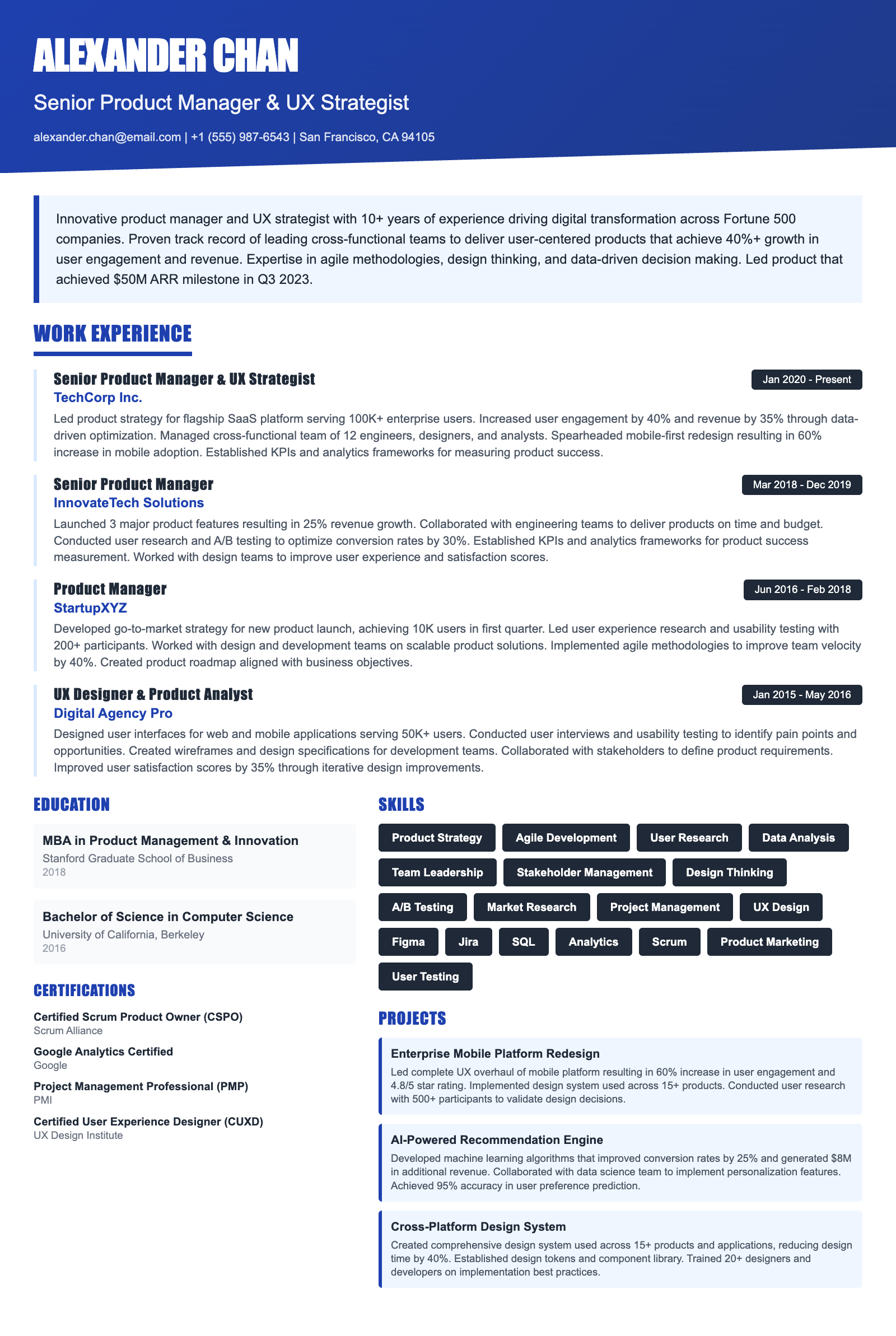
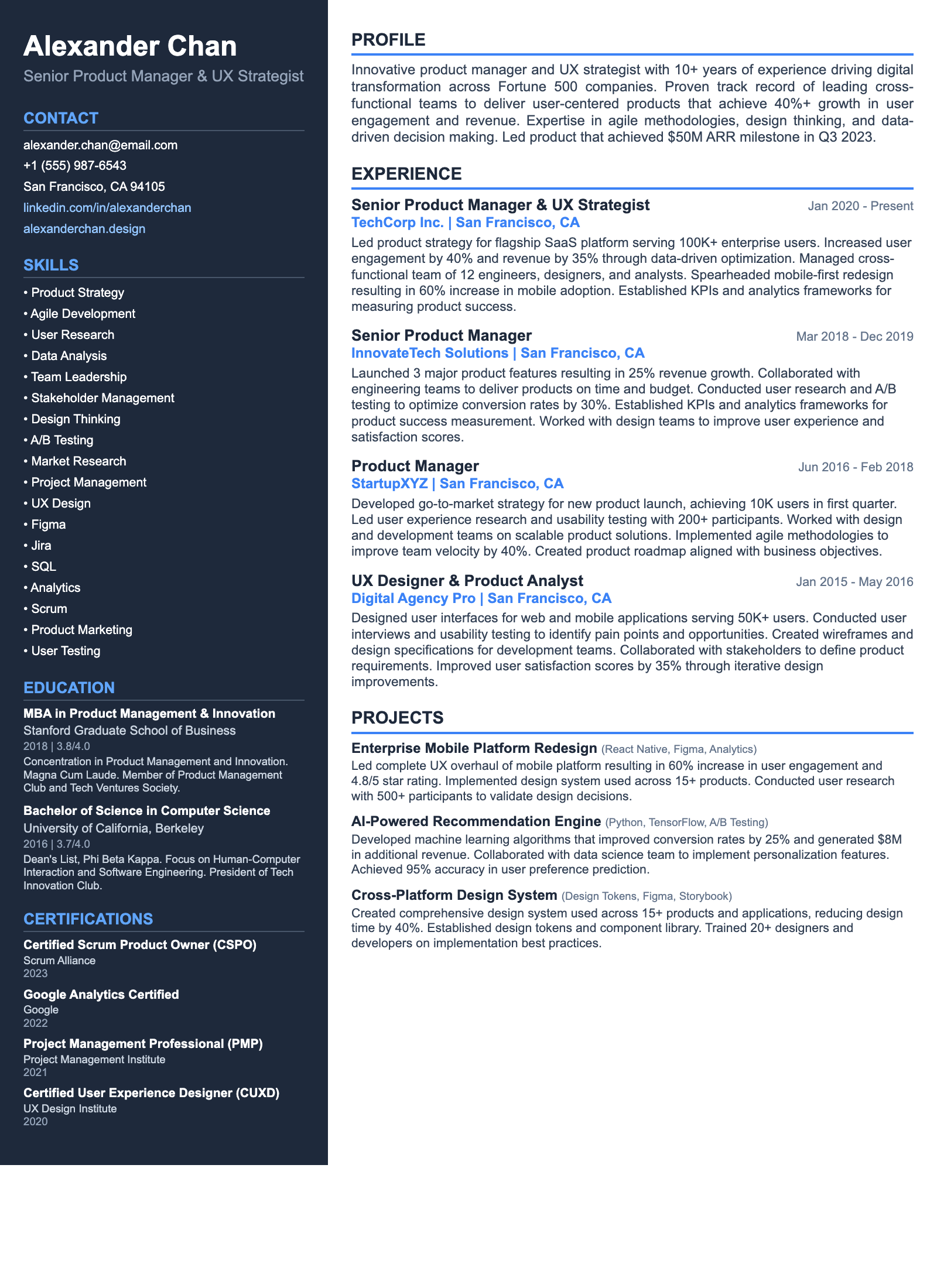
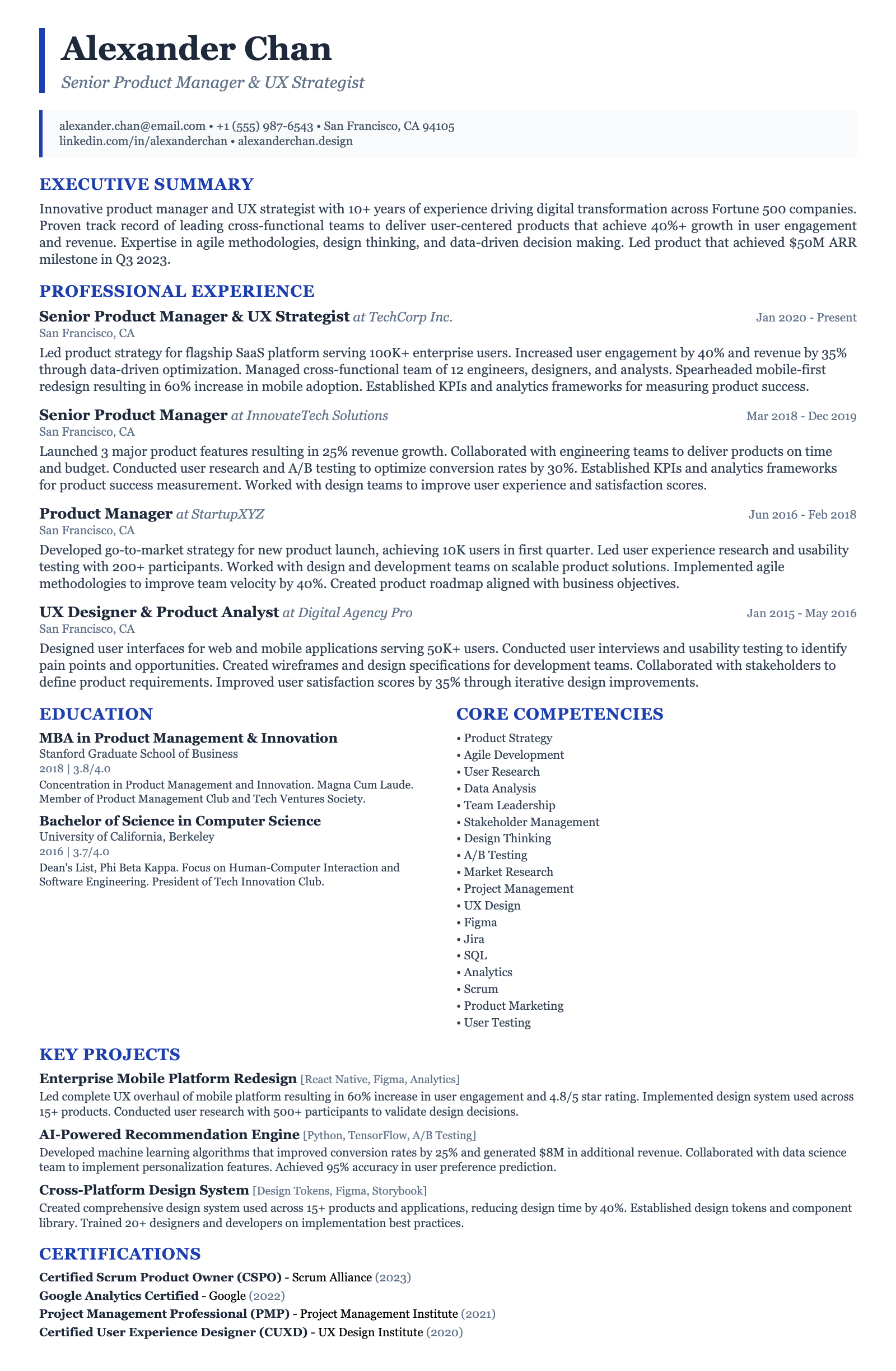
ATS-friendly templates designed specifically for Junior Education Web Developer positions in the US market.
Frequently Asked Questions

What's the ideal length for a Junior Education Web Developer resume?

For a junior-level role, aim for a one-page resume. Hiring managers typically prioritize conciseness. Focus on highlighting your most relevant skills and experiences, especially those related to education technology. Prioritize projects showcasing your abilities in HTML, CSS, JavaScript, and any back-end technologies you've used. Keep descriptions brief and impactful, emphasizing quantifiable results whenever possible.

What are the most important skills to highlight on my resume?

Prioritize technical skills essential for web development, such as proficiency in HTML, CSS, JavaScript, and relevant frameworks like React, Angular, or Vue.js. Also, showcase your knowledge of back-end technologies like Node.js or Python (with frameworks like Django or Flask). Don't forget to emphasize soft skills like communication, teamwork, and problem-solving, especially in the context of developing educational applications or platforms. Experience with accessibility standards (WCAG) is also highly valued.

How can I ensure my resume is ATS-friendly?

Use a clean, simple resume format with clear headings and bullet points. Avoid using tables, graphics, or unusual fonts that might not be parsed correctly by Applicant Tracking Systems (ATS). Incorporate relevant keywords from the job description throughout your resume, particularly in your skills section and work experience descriptions. Save your resume as a .docx or .pdf file, as these formats are generally ATS-compatible. Tools like Jobscan can help evaluate your resume's ATS compatibility.

Are certifications important for a Junior Education Web Developer role?

While not always mandatory, certifications can demonstrate your commitment to professional development and validate your skills. Relevant certifications include those related to specific web development technologies (e.g., Microsoft Certified: Azure Developer Associate, AWS Certified Developer – Associate) or project management methodologies (e.g., Certified ScrumMaster). Consider certifications relevant to educational technology, such as accessibility certifications (e.g., IAAP Certified Professional in Accessibility Core Competencies).

What are some common resume mistakes to avoid?

Avoid generic resume templates that lack personality. Tailor your resume to each job application, highlighting the skills and experiences most relevant to the specific role. Don't neglect to proofread for typos and grammatical errors. Avoid listing irrelevant skills or experiences that don't align with the requirements of a Junior Education Web Developer. Ensure your contact information is accurate and up-to-date.

How can I transition to a Junior Education Web Developer role from a different field?

Highlight any transferable skills you possess, such as problem-solving, communication, and teamwork. Showcase relevant projects or coursework you've completed that demonstrate your web development abilities. Consider building a portfolio of educational web applications or contributing to open-source projects related to education technology. Emphasize your passion for education and your desire to contribute to the development of innovative learning tools. Focus on highlighting your knowledge of HTML, CSS, JavaScript, and specific frameworks relevant to the job description.

Ready to Build Your Junior Education Web Developer Resume?

Use our AI-powered resume builder to create an ATS-optimized resume tailored for Junior Education Web Developer positions in the US market.

Complete Junior Education Web Developer Career Toolkit

Everything you need for your Junior Education Web Developer job search — all in one platform.

Why choose ResumeGyani over Zety or Resume.io?

The only platform with AI mock interviews + resume builder + job search + career coaching — all in one.

See comparison

Last updated: March 2026 · Content reviewed by certified resume writers · Optimized for US job market

Junior Education Web Developer Resume Guide (2026) | ATS-Optimized Template